Steam Deck Offline Before Travel: A Practical Pre-Flight Checklist
Prepare Steam Deck for a journey: update and launch games online first, check offline access, protect cloud saves, and test without Wi-Fi.
GAMIC News Editorial Desk ·
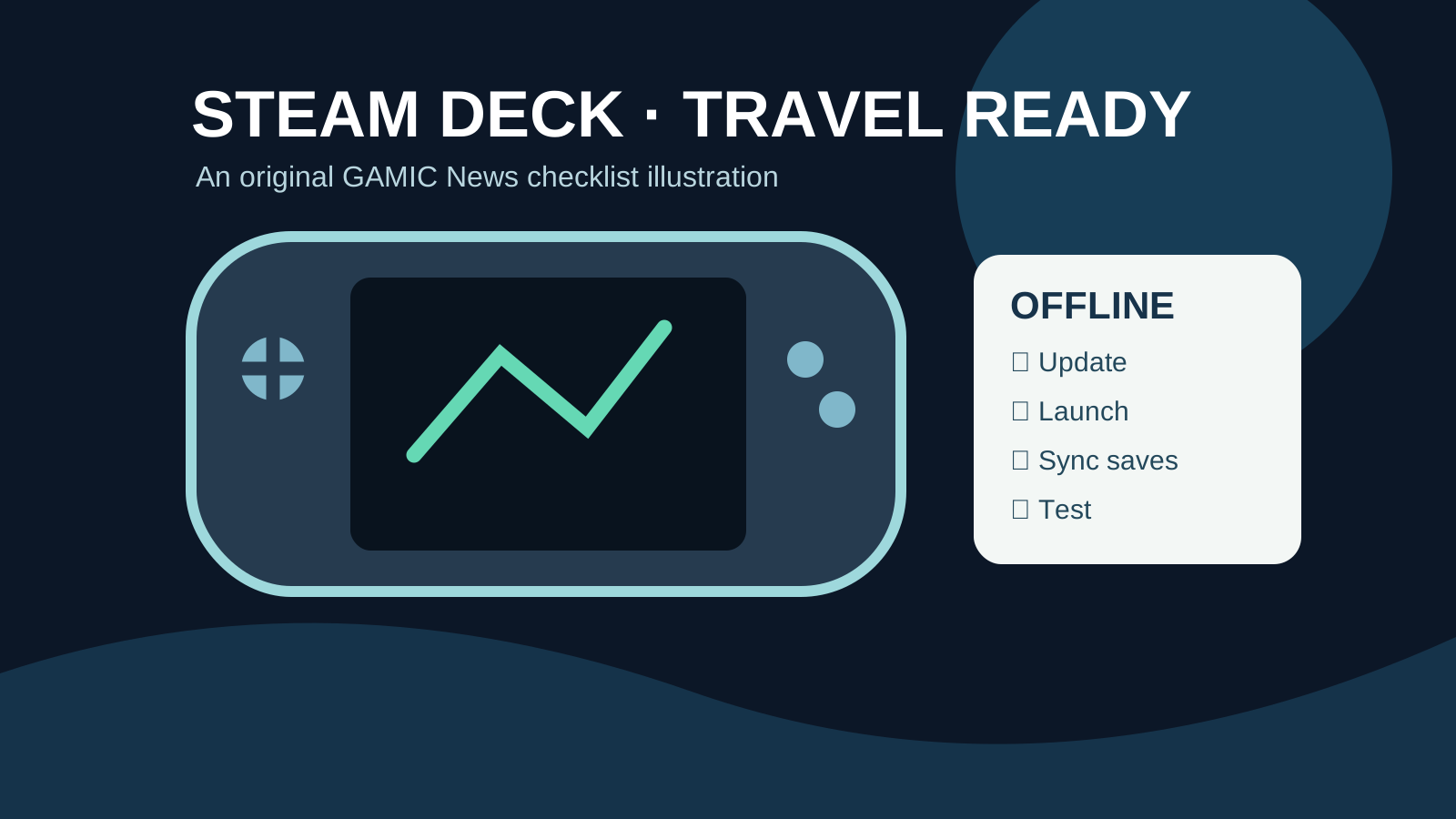
A Steam Deck can be an excellent travel companion, but downloading games before leaving home does not automatically guarantee that every title will launch without an internet connection. Account checks, game-specific launchers, updates and cloud-save conflicts can all matter. This practical checklist is designed for preparation, not as a guarantee of offline compatibility.
1. Update while you still have reliable Wi-Fi
Install pending SteamOS and game updates well before departure. Allow downloads, verification and any first-run setup to finish. Avoid leaving an update half-complete just before boarding a train or flight. Check each game's store-page notices and publisher support pages for launcher, account or online requirements.
2. Launch every game once while connected
Open each intended travel game online, reach the main menu and confirm the input controls work. Some titles need first-launch setup or third-party authentication. A successful download alone does not test these dependencies. If a title requires persistent connectivity, choose a different game for offline use.
3. Protect saves before disconnecting
When Steam Cloud is available, wait for synchronization to complete while online. For important saves, check the game's own save-location and backup instructions; not every title supports Steam Cloud. Avoid playing the same save on another device while the Deck is offline, as later synchronization may require conflict resolution.
4. Perform a realistic offline rehearsal
Follow Steam's current Offline Mode instructions while online, then disable Wi-Fi and launch each game again. Test the exact game, account and configuration you will travel with. Restart the Deck once during the rehearsal to expose issues that only appear after a cold start. If the game fails, reconnect and consult its official support resources rather than deleting local saves.
5. Plan for batteries, storage and accessories
Charge the Deck, check free storage and carry an appropriate charger. Downloading a large game or patch at the airport is not a dependable fallback. If you use a microSD card, confirm the game actually launches from that card before departure. Airplane power outlets and battery restrictions vary by carrier.
What this checklist does not promise
Offline behavior can change after a game update or a publisher's authentication-policy change. Some games cannot be used offline even if Steam itself is in Offline Mode. This article is a preparation guide, not a claim that GAMIC News has hands-on tested every Steam Deck model or game.
Official references
Related: Steam Offline Mode before travel and more gaming guides.