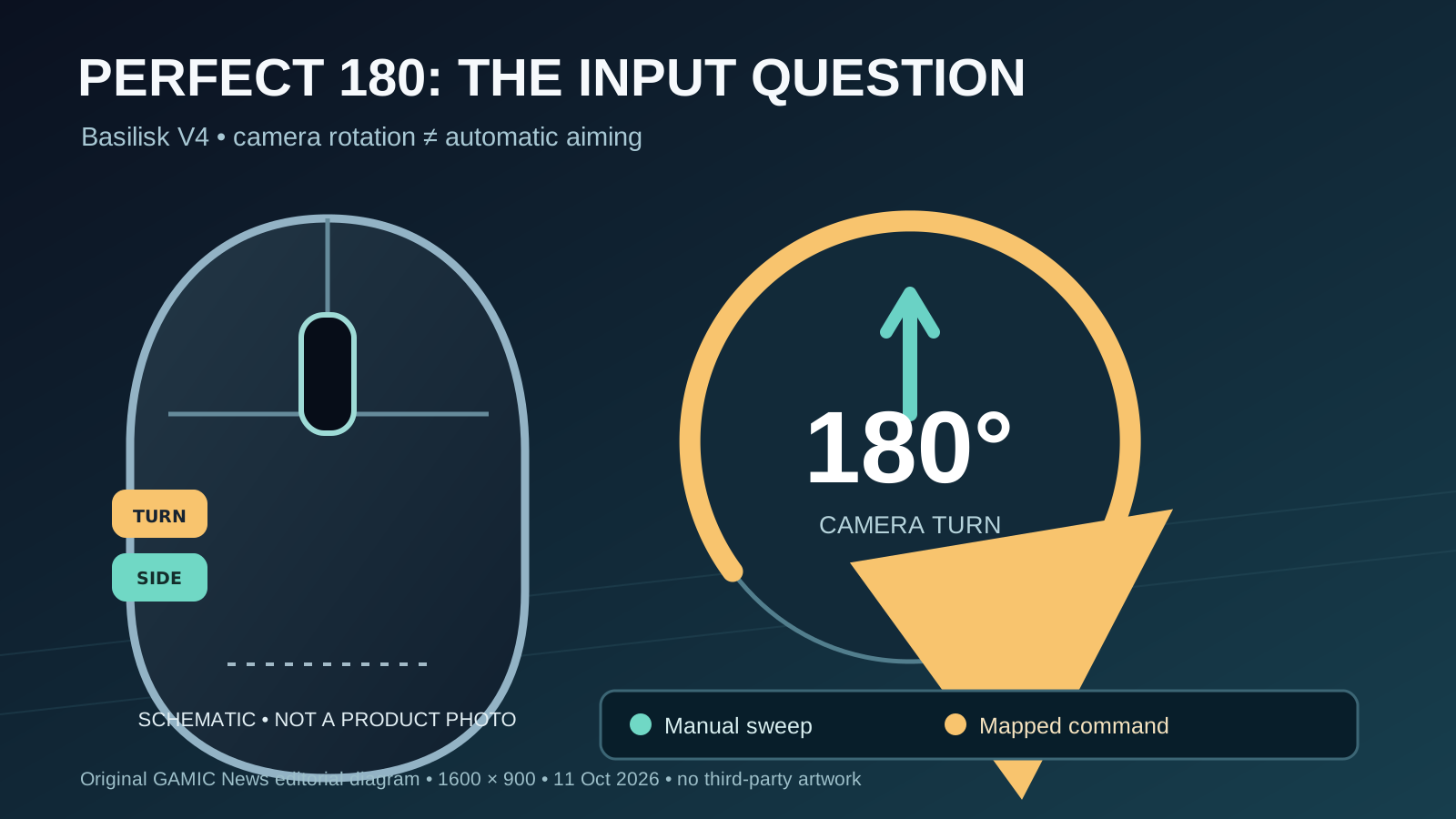

Razer's October 8, 2026 Basilisk V4 announcement introduces a feature that matters for competitive first-person shooters more than the usual increase in sensor specifications. Perfect 180, configured through Razer Synapse, can turn the player's view through roughly half a circle after a mapped button press. The feature is designed for people who use low mouse sensitivity and otherwise need a long physical sweep to face an opponent behind them. That is a concrete convenience claim, but its competitive status cannot be inferred from the manufacturer's marketing language.
The new family comprises the Basilisk V4 Pro and the more streamlined V4 HyperSpeed. Razer describes the Pro as a right-handed ergonomic mouse with 14 customizable controls, a Focus Pro 50K optical sensor, a new scroll wheel and wireless polling up to 8,000 Hz. PC Gamer's October 9 hands-on reporting discusses the shape, pricing and Perfect 180's potential to provoke complaints in multiplayer matches. Neither a specification sheet nor a brief demonstration establishes a universal advantage, a game's policy, or the results of independent latency testing.
This report separates the announced hardware and software from questions that remain open. It explains why a fixed-turn shortcut is not the same as automatic target tracking, how mouse sensitivity and polling rates affect different parts of the input chain, what competitive rules may need to address, and what buyers should check before treating a headline feature as useful. GAMIC News has not tested the Basilisk V4, has not obtained unpublished game-policy decisions and does not claim that Perfect 180 is either universally permitted or universally banned.
What Razer actually announced on October 8
Razer's official newsroom release identifies the Basilisk V4 Pro, Basilisk V4 HyperSpeed and Mouse Dock V2 Pro. For the Pro, the company lists a Focus Pro 50K Optical Sensor Gen-3, HyperSpeed Wireless Gen-2, 14 customizable controls, a HyperScroll Tilt Wheel Gen-2 and seven-zone Chroma lighting. These are vendor specifications, not independent laboratory findings. Razer also promotes Frame Sync, which coordinates sensor scanning with the polling cycle, and offers configuration through Synapse. A buyer should distinguish advertised capabilities from the settings available on a particular computer.
For the closely related practical context, read AMD FSR 4 Gaming Handhelds: 2026 Plan vs Official Support.
The less expensive HyperSpeed version uses a Focus X 33K sensor and 12 customizable controls, according to Razer's product information. The two mice share an ergonomic design concept but not identical internals, weight or battery claims. PC Gamer reports a $170 suggested price for the Pro and $110 for HyperSpeed in its October 9 coverage; prices and availability can vary by region and retailer. Those distinctions matter because a discussion about one controversial software function should not erase the practical differences between two products.
Perfect 180 is a turn command, not an aim lock
Razer describes Perfect 180 as a configurable command for instant half-turns, particularly for low-sensitivity FPS players. Its product page says that behavior depends on the game's sensitivity and the total-count configuration in Synapse. In ordinary play, rotating the camera through a known angle is different from identifying an opponent, tracking a moving target or choosing the precise final aiming point. The software shortcut changes how a movement is generated; it does not, by that description alone, prove automated targeting.
The distinction still leaves a meaningful fairness question. A player who must move a mouse across a large pad and reposition their hand performs a different physical task from a player who presses a mapped control. Even when both end at the same camera orientation, the effort, timing and consistency may differ. Competitive games have long evaluated input remapping and automation differently. A fair assessment asks which inputs are being synthesized, how predictable the outcome is and whether the specific game's rules allow that behavior.
Why low sensitivity makes the shortcut attractive
Many FPS players select relatively low effective sensitivity to gain fine control over small movements. That can help with precise adjustments but makes large turns physically demanding. The relevant measurement is not simply the mouse's maximum DPI: effective sensitivity also depends on the in-game multiplier, acceleration behavior, display conditions and personal technique. Two players using the same sensor can require very different distances to rotate the camera. A half-turn macro therefore offers different value depending on the setup.
Imagine a player whose preferred configuration requires a broad desk sweep to rotate 180 degrees. That player may need to lift and recenter the mouse during a surprise flank. A dedicated turn command could avoid part of that motion, but the next task is still to locate and aim at the threat. In games with vertical aim changes, recoil, movement penalties or unusual camera limits, a perfect horizontal half-turn may not translate into a winning shot. Any claim of a decisive advantage needs controlled comparisons.
The difference between one mapped action and an automated sequence
Input systems often allow button remapping, accessibility adjustments and manufacturer utilities. Not every remap has the same effect. Mapping a side button to a single keyboard key is not equivalent to commanding a timed sequence of camera movements. Perfect 180 is interesting because its output represents a substantial movement rather than one conventional mouse click. The precise implementation, including whether it emits a series of counts or another control path, should be established before anyone claims to know how a game or anti-cheat system will classify it.
For another relevant perspective, read Cloud Gaming Latency: Why Your Home Network Matters as Much as Internet Speed.
Game publishers may distinguish hardware features, operating-system accessibility functions, macros, scripted movement and direct modification of game memory. Those categories overlap imperfectly, and policies differ. A shortcut marketed by a hardware manufacturer is not automatically approved by every publisher or tournament. Conversely, the mere presence of configurable software is not proof of prohibited behavior. Players should seek written rules for the title, league and platform they actually use, and should avoid extrapolating from unrelated bans.
What independent reporting adds—and does not prove
PC Gamer's October 9 hands-on report describes the mouse's large ergonomic form, button placement and scroll-wheel feel, and raises the prospect of complaints about instant turns. A separate PC Gamer discussion on the same date frames Perfect 180 as a fairness debate rather than a settled cheating verdict. That distinction is valuable: journalists can inspect and contextualize an announced feature without claiming authority over every game's enforcement policy. The articles also note that a turn shortcut still leaves aiming to the player.
Neither report is a peer-reviewed measurement of match outcomes, nor is it an official competitive ruling. A promotional demonstration can show that a function exists without showing how often it helps in real encounters. Independent reviewers would need to compare players, sensitivity settings and game modes while controlling for familiarity with the new button. Until such work is published, the most defensible conclusion is narrow: the feature changes a common physical action and may become controversial where rules restrict automated inputs.
Polling rate and turning assistance solve different problems
Razer advertises polling up to 8,000 Hz for the Pro in both wired and supported wireless modes. Polling describes how frequently a device can report information to the host, not how quickly a player decides to react or how long the game's entire rendering pipeline takes. Higher rates can reduce one component of sampling delay under suitable conditions, but they also introduce processing and power considerations. They cannot compensate for network congestion, server tick rates or a monitor's frame presentation time.
Perfect 180 addresses a different issue: the distance and movement required to rotate the viewpoint. A player can use a high polling rate without the turn shortcut, or enable the shortcut at a lower rate. Marketing material often places both in the same performance story, but readers should evaluate them separately. A useful latency test records the mouse setting, USB or wireless path, computer load, game frame rate and display, then compares repeated measurements rather than interpreting one advertised frequency as an end-to-end result.
How the 50K sensor should be interpreted
The Pro's Focus Pro 50K optical sensor is advertised with a maximum resolution of 50,000 DPI, tracking speed of 930 IPS and acceleration tolerance of 90 G. These numbers describe claimed sensor capabilities under specified conditions. They do not mean a player should set sensitivity to 50,000 DPI or that an ordinary match will become more accurate merely because the maximum is larger. Surface quality, grip, lift-off behavior and consistent tracking at the chosen sensitivity matter much more to many users.
Razer also describes Frame Sync and asymmetric cut-off settings. Frame Sync is intended to align scanning and reporting, while cut-off adjustments govern behavior when the mouse is lifted or returned to the surface. Such controls may be useful for a low-sensitivity player who frequently resets the mouse position. They deserve actual testing on the owner's desk and mousepad. A published feature list does not establish that every surface or software combination behaves identically, and no unpublished benchmark is being claimed here.
Battery life, wireless mode and the dock
Battery claims require context. Razer advertises up to 200 hours on HyperSpeed Wireless Gen-2 under specified standard conditions, but a maximum runtime should not be assumed at the highest polling rate with every lighting effect active. Bluetooth and high-performance wireless modes have different intended trade-offs. A buyer who frequently switches between work and gaming may value multi-device pairing more than an extreme reporting rate. Those use cases should be considered before paying for the flagship model.
The Mouse Dock V2 Pro adds magnetic charging and a high-performance wireless transceiver according to Razer. That may simplify desk setup, but it is a separate accessory with its own compatibility and cost considerations. Users should confirm what is included with the exact regional package and whether existing charging equipment works. A docking accessory does not resolve the competitive-policy question surrounding Perfect 180. Hardware convenience, power management and game input fairness remain separate buying decisions.
How tournament and anti-cheat rules could respond
A tournament organizer might allow ordinary rebinding while restricting automated multi-step movement, or might define acceptable devices and settings in advance. Another event might permit a broader range of manufacturer features. Without a cited rulebook for a particular event, no responsible publication should declare the Basilisk V4 illegal or legal for all competitive play. The right source is the current tournament rules, the publisher's enforcement policy and, when needed, a direct written clarification from organizers.
Players should also avoid trying to hide software behavior from anti-cheat systems. Even a feature that is sold openly can be evaluated differently by different games, and changing settings after a warning may complicate an appeal. A practical approach is to keep an ordinary manual-turn profile available, document the Synapse configuration, and use the shortcut only where it is explicitly permitted. That reduces the risk of a disputed advantage without making unsupported claims about automatic bans.
A responsible way to test the feature at home
Start with a private training range or an offline mode rather than a ranked match. Record the game, platform, mouse firmware, Synapse version, DPI, in-game sensitivity and whether acceleration is enabled. Measure the physical distance needed for a manual half-turn and then configure the shortcut according to the manufacturer's instructions. Check the resulting camera rotation repeatedly, including after changing sensitivity. A mismatch could be a configuration problem rather than a defective sensor.
Next compare the tasks that actually matter: recovering from a flank, reacquiring a target and landing a controlled follow-up shot. Repeat trials with and without the shortcut, randomize the order where practical, and keep frame rate and network conditions stable. Note accidental activations and hand comfort, not just the fastest successful attempt. The result will be useful for that setup, not a universal benchmark. Do not test prohibited inputs in live competitive environments.
Which buyer should consider the Pro or HyperSpeed
The Pro is positioned as a premium, feature-rich ergonomic gaming mouse with extensive controls, the higher-end sensor and more connectivity options. The HyperSpeed offers a simpler configuration at a lower reported price. Both may interest players who prefer a right-handed shape and customizable buttons. However, hand size, grip style, desk space, weight preference and software compatibility are personal constraints that headline specifications cannot settle. An opportunity to handle the device is often more informative than a chart.
If Perfect 180 is the only reason to buy, first check whether your favorite game permits the feature and whether you genuinely struggle with manual turns. Players who mostly use strategy games, productivity applications or single-player titles may place more value on scroll-wheel behavior and comfortable ergonomics. Competitive players should prioritize consistent tracking and a known-legal configuration. The announcement provides enough information to shortlist the mice, but not enough to award either model an unqualified recommendation.
What would change this report
Three forms of evidence would make the story more definitive. First, published game or tournament rulings naming the feature would resolve particular policy questions. Second, independent measurements of input timing and repeatability could test whether the advertised hardware improvements matter in realistic conditions. Third, controlled user testing could show whether a one-button half-turn improves performance after accounting for learning and accidental activation. None of those outcomes should be invented from a launch release.
Until then, the confirmed facts are the October 8 announcement, the documented configuration features and the independent October 9 coverage. The unresolved issues are game-specific legality, measurable competitive advantage and long-term reliability. Readers interested in broader latency troubleshooting can compare our existing cloud gaming latency and home-network bufferbloat guides, which address different bottlenecks and should not be confused with mouse polling or view rotation. We will update the report when verifiable new evidence appears.