GAMING / PRACTICAL GUIDE
Steam Families: Why a Shared Game Is Missing or Already in Use
A game missing from a Steam Family is not automatically an installation fault. First separate three questions: is this game eligible to be shared, does the family own an available copy, and is the correct account trying to launch it? Reinstalling a game cannot solve every licence problem.
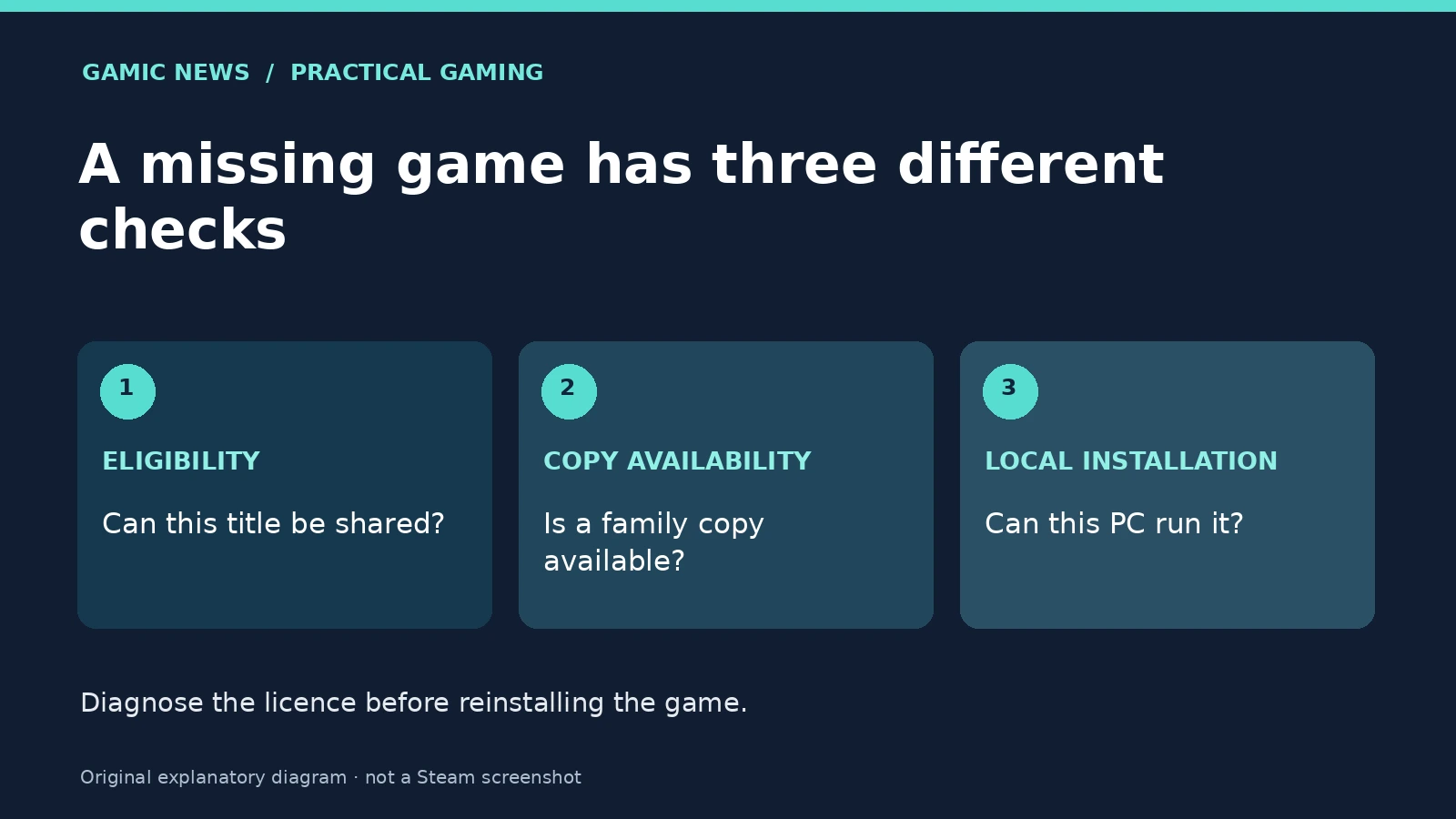
Start with the symptom, not a repair utility
Write down what happens before changing anything. A title absent from the shared library, a message saying that no copy is available, and a game that launches then crashes are different incidents. Capture the exact wording and the point at which it appears. Note the game name and edition, because a base game, an expansion and a free-to-play item may not have the same sharing behaviour. This short description is more useful than a general statement that sharing is broken. It also stops you repeating unrelated troubleshooting steps while the underlying question remains a licence or eligibility issue.
Check whether the title is shareable
Valve's family FAQ lists exclusions including publisher opt-outs, some third-party account or subscription requirements, region restrictions, unsupported operating systems and games marked private by their owner. Free-to-play games and their purchased DLC are also listed among content that cannot be shared. The presence of a game in one person's library therefore does not establish that another family member can use it. Check the exact title in the current Steam client and consult its official support information. Avoid third-party lists that do not distinguish the present Steam Families system from older sharing arrangements or that describe a different edition.
Count copies of the game, rather than family members
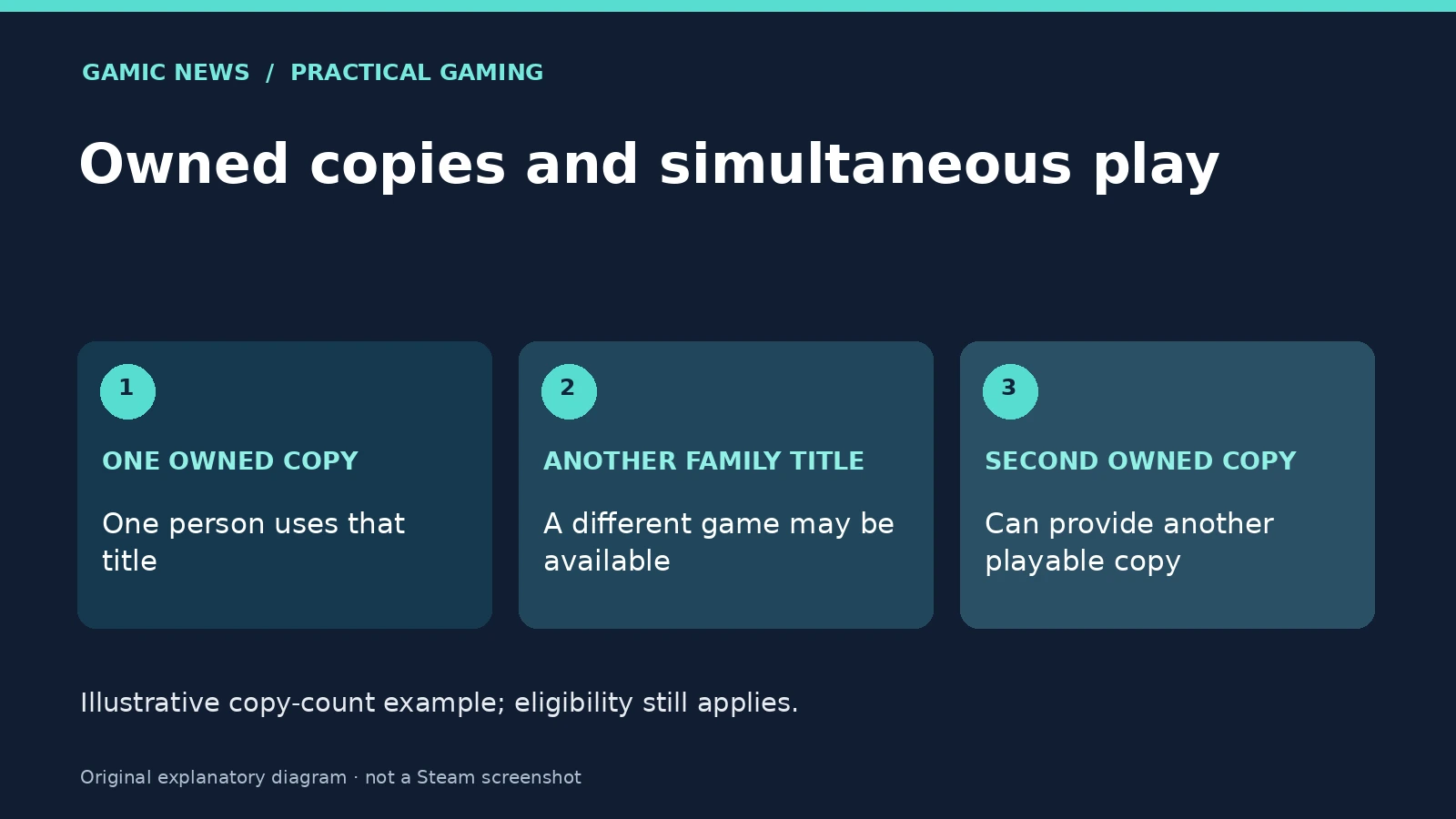
Valve illustrates shared access with a family owning one copy of a title: another member cannot use that same available copy simultaneously, while a different eligible game may still be playable. Owning an additional copy changes that particular copy count. The practical question is whether your family already has access to another copy before anyone spends money. Coordinate a short check with the other member and record whether the message changes when they finish. This is a diagnostic comparison, not a recommendation to purchase a second licence. A failed test does not prove that the publisher supports sharing or that the installation itself is healthy.
Ownership, installation and progress are separate things
Valve's developer documentation treats a shared family licence as temporary access rather than permanent ownership for the borrowing account. Installing files does not establish a separate purchase entitlement. Keep that distinction in mind when a launcher offers an installation button but a later step reports an access problem. Likewise, treat save data as a separate concern before deleting local folders or switching accounts. If the game has its own account, identify which account holds the relevant progress. Do not assume that a family relationship merges every external account, purchase history or saved character. Ask the game's official support team when that relationship is unclear.
Use a small comparison matrix
Choose one eligible game that you can already launch and compare it with the problem title on the same account and computer. Record whether each appears in the library, whether another member is playing it, and whether the failure occurs before the game starts. Keep the comparison small: changing the account, computer, network and game at the same time makes the result difficult to interpret. If the working title still works while the other fails, you have narrowed the investigation without proving a specific cause. If both fail, examine the shared account or client context before deciding that two unrelated installations are damaged.
Compare the edition named on the receipt
Before diagnosing an expansion, compare the full product names rather than only the artwork. Make a two-column note with the exact item shown in the owner's purchase history and the exact item another member is trying to launch. Record any separate launcher message alongside it. This does not prove which entitlement is required, but it gives official support a concrete comparison to inspect and prevents a mistaken purchase of an unrelated edition while the original access question remains unresolved.
Avoid disruptive changes as a first experiment
Do not leave a family, create a replacement group or buy a duplicate game just to see what happens. Membership rules and waiting periods deserve a careful read in Valve's current FAQ before a change. An account action can be harder to undo than restarting the client. Prefer recording the present state, checking entitlement and confirming which person owns the relevant copy. If files genuinely fail to launch after access is established, use our Steam launch troubleshooting checklist. That guide addresses the local failure path rather than attempting to override sharing restrictions or account permissions.
Send the evidence that support can actually use
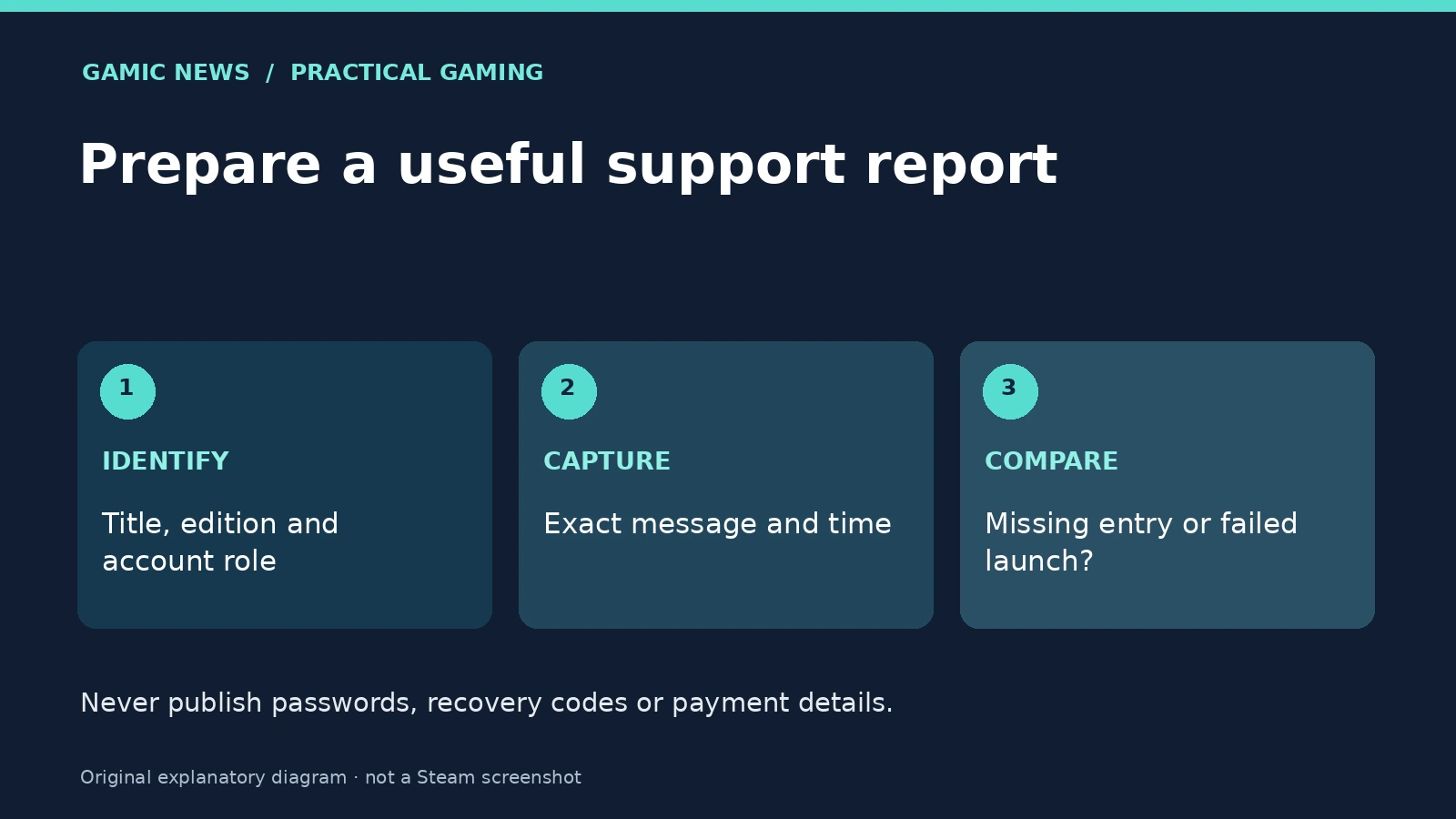
A useful report contains the exact game and edition, a description of which account owns a copy, the error wording, the date and time of the attempt, and the result of the small comparison. Explain whether the title is absent entirely or visible but unavailable. Include a cropped screenshot only after removing personal details. Never send a password, a Steam Guard code or a recovery code to a person claiming to fix sharing. Valve's official help portal is the appropriate starting point for account-specific cases. This guide organises the investigation; it does not certify that your household or a particular title qualifies for sharing.
What a successful check establishes
A successful launch demonstrates that this title worked on this account and device at the time of the check. It does not establish permanent eligibility, a new purchase or future availability. Keep the short notes until the issue is resolved, then use the same symptom categories if it returns. For readers preparing a trip, our offline preparation guide covers a different question: what to test before losing a network connection. Sharing eligibility and offline behaviour should be checked separately, without assuming that success in one proves the other.
Sources and method
Valve primary documentation checked on 6 November 2026. The troubleshooting sequence and comparison exercises are editorial guidance, not claims that we tested your account or measured your hardware.